Barcode scanning
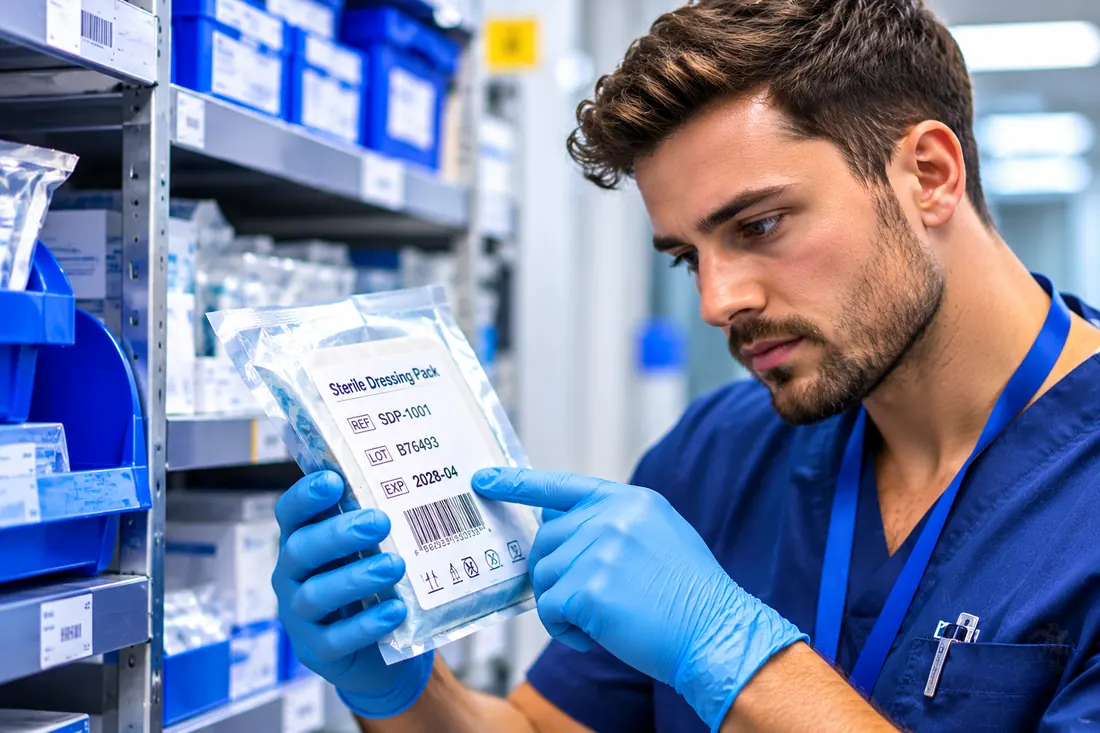
Scan GS1 and EAN codes with a phone camera, or type the code. Scanning identifies the item; you confirm before stock changes.
MySIT: My Smart Inventory Tracker
Stock visibility, barcode scanning, expiry management and inventory accountability, in one calm, precise workspace.
Interactive demonstration. Synthetic data only. Runs entirely in your browser.
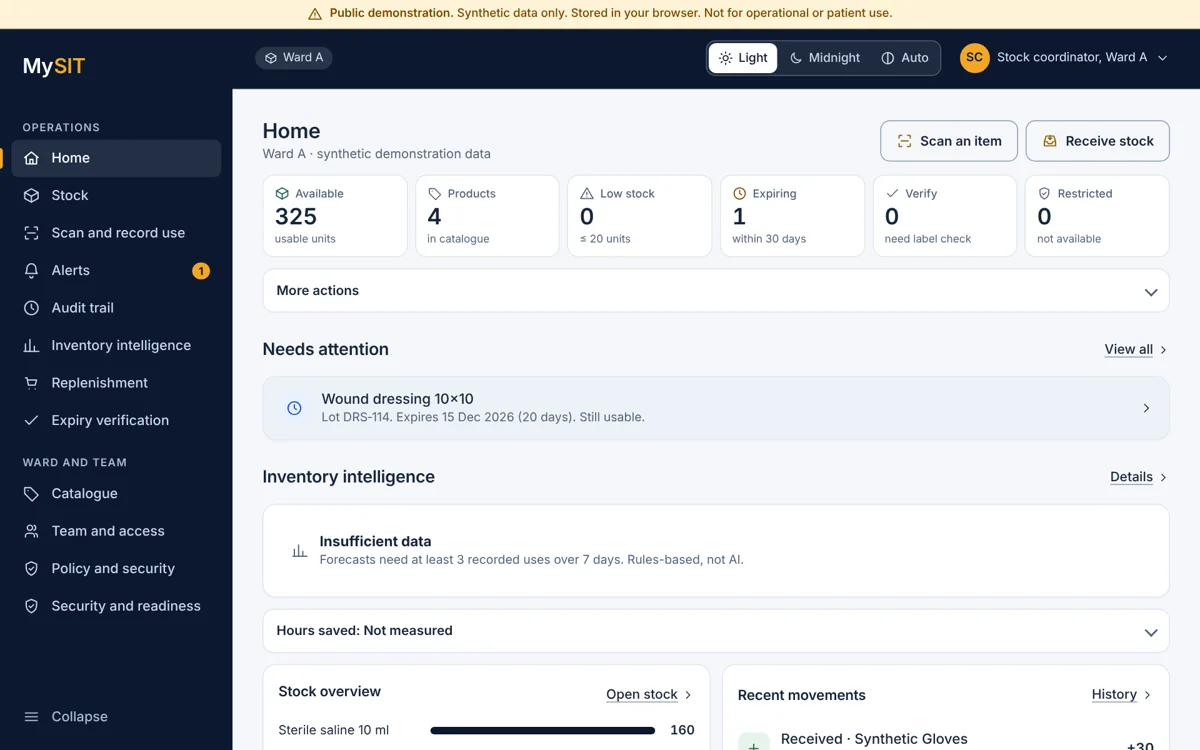
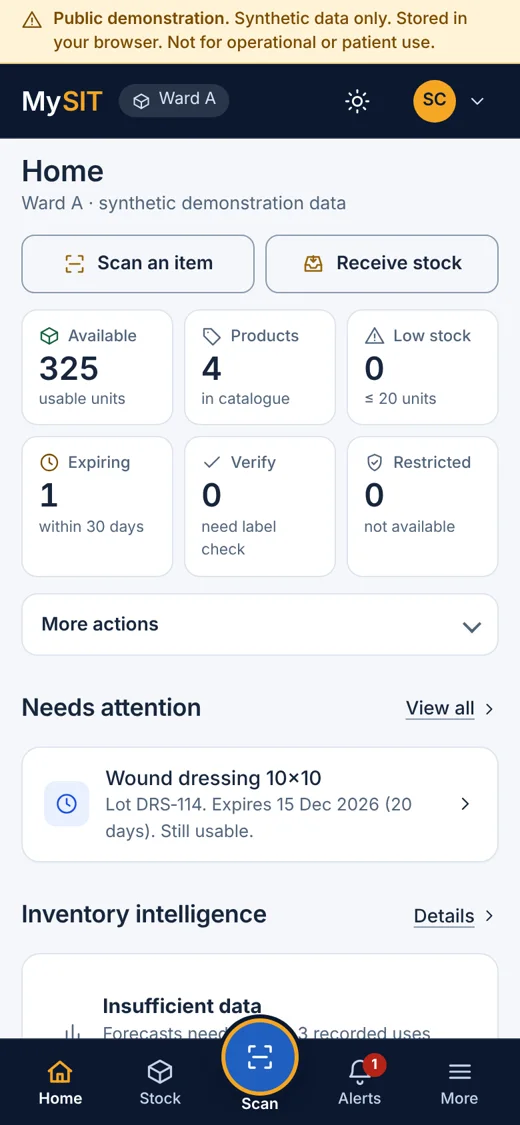
The product
Scan GS1 and EAN codes with a phone camera, or type the code. Scanning identifies the item; you confirm before stock changes.
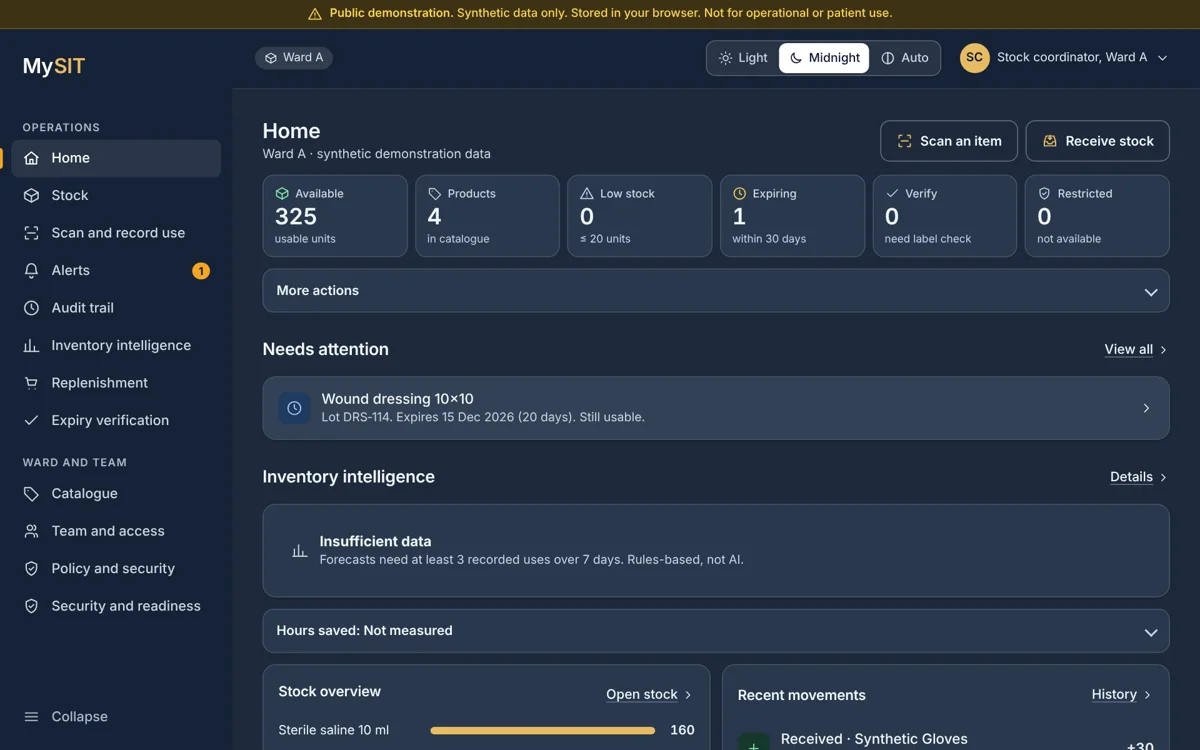
Every lot, expiry date and quantity in one place, with first-expiry-first-out guidance.
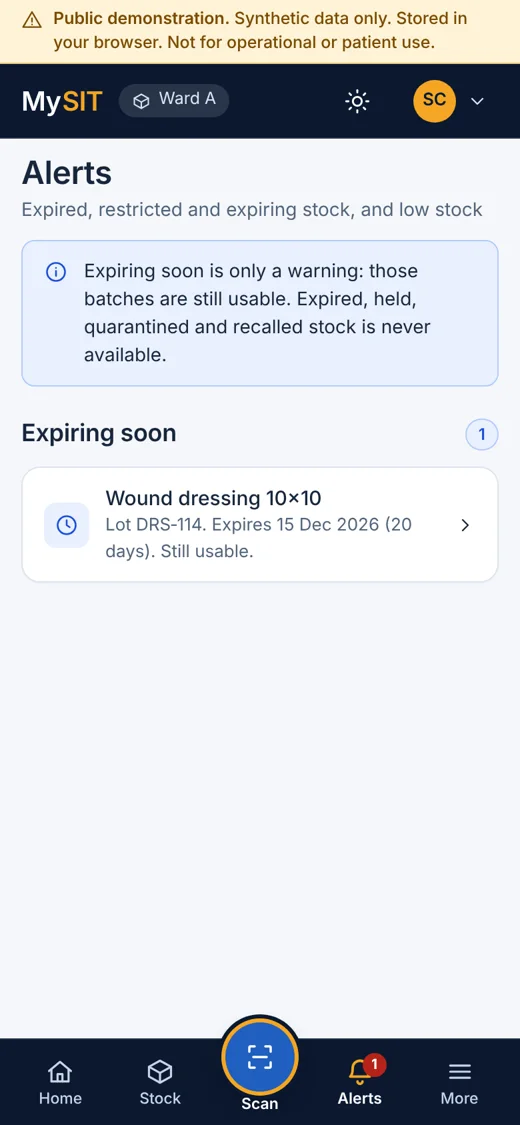
See what is expiring, what has expired and what needs its date verified from the label.
A permanent record of every movement. Corrections are reversals, never edits.
Scan
Point the camera at a GS1 DataMatrix, GS1-128 or EAN barcode. MySIT reads the product, lot and expiry, shows the matching batch and suggests the one that expires first. Nothing changes until you confirm the quantity and reason.

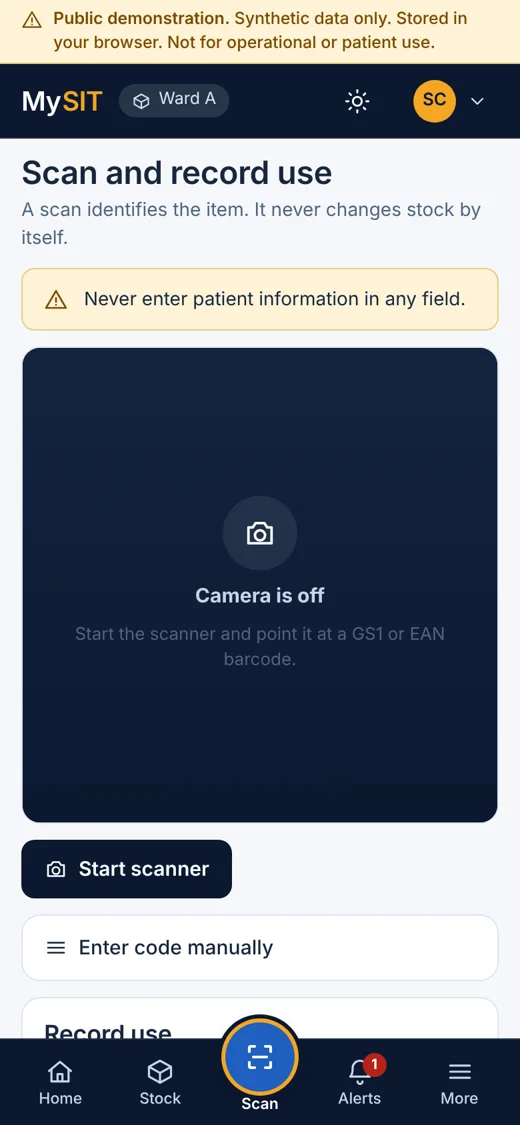
Stock
Physical stock counts what is on the shelf. Available stock counts only what can be used. Expired, held, quarantined and recalled batches are always kept out of available stock, and the earliest usable expiry is marked.

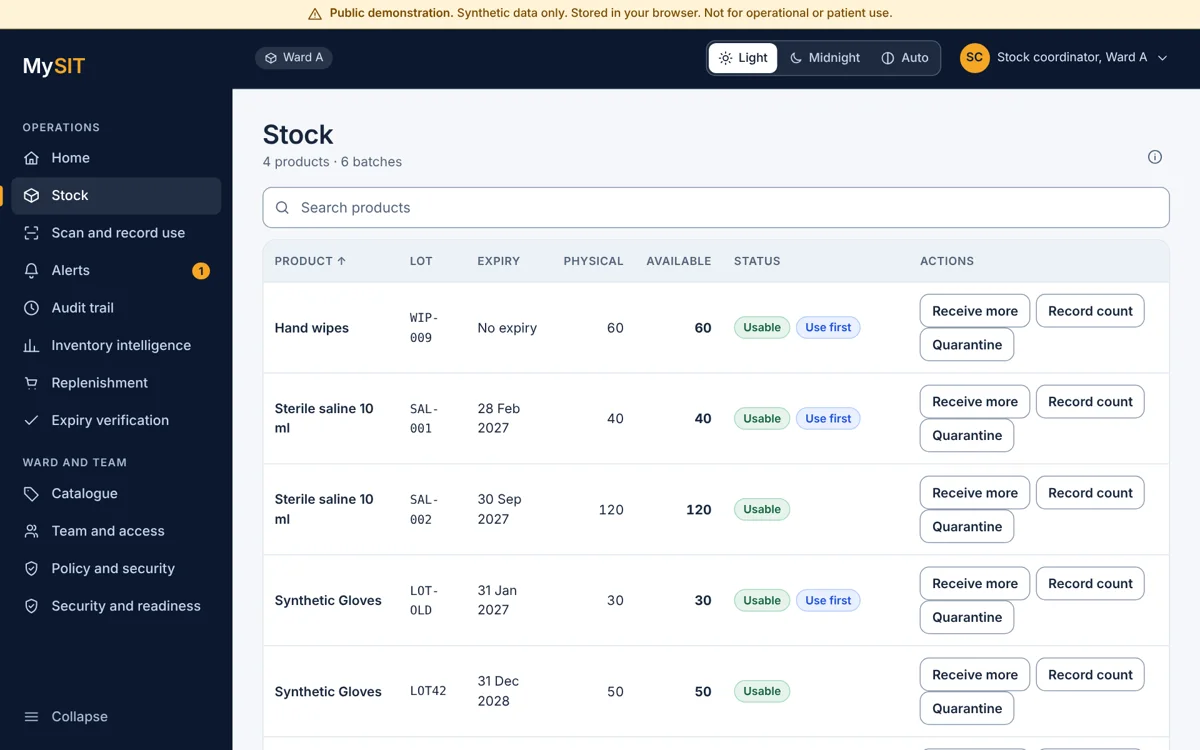
Expiry
Expiring soon is a warning, not a block. Expired and restricted stock is never available. Where an expiry date is unknown or unverified, the batch stays held until someone reads the date from the label.
Accountability
Every receipt, use, count and reversal is written to an append-only history. A mistake is corrected with a reversal that links back to the original. Access follows role and department, and is enforced in the database.

For ward and store teams



How it works
Identify the item with the camera or by typing the code.
Choose the quantity and reason. MySIT checks the batch, the expiry and the stock rules.
Home, Stock and Alerts all update from the same record.
Safeguards
These are technical controls implemented in the demonstration build.
Every table restricts rows by organisation, department and role.
Actions are limited by role, and checked by the database as well as the screen.
Stock movements cannot be edited or deleted. Corrections are linked reversals.
Each stock change carries a unique key, so a repeated tap or lost connection does not double-count.
Batches with unknown or unverified expiry cannot be used until verified.
Denied and suspicious attempts are recorded, never passwords or tokens.
These describe implemented technical controls. They are not certifications, accreditations or compliance claims. The public demonstration uses synthetic data only, and persona sign-in and MFA in it are simulated.
Interactive demonstration
Choose a synthetic role, then try scanning, stock, alerts and replenishment. Everything runs in your browser. Nothing leaves your device, and you can reset the demo at any time.
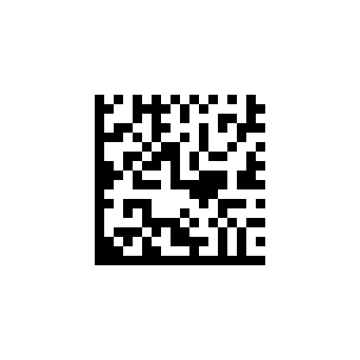
In the demo, open Scan and point your camera at this synthetic code. Or type its text:
01095011015300031728123110LOT42